
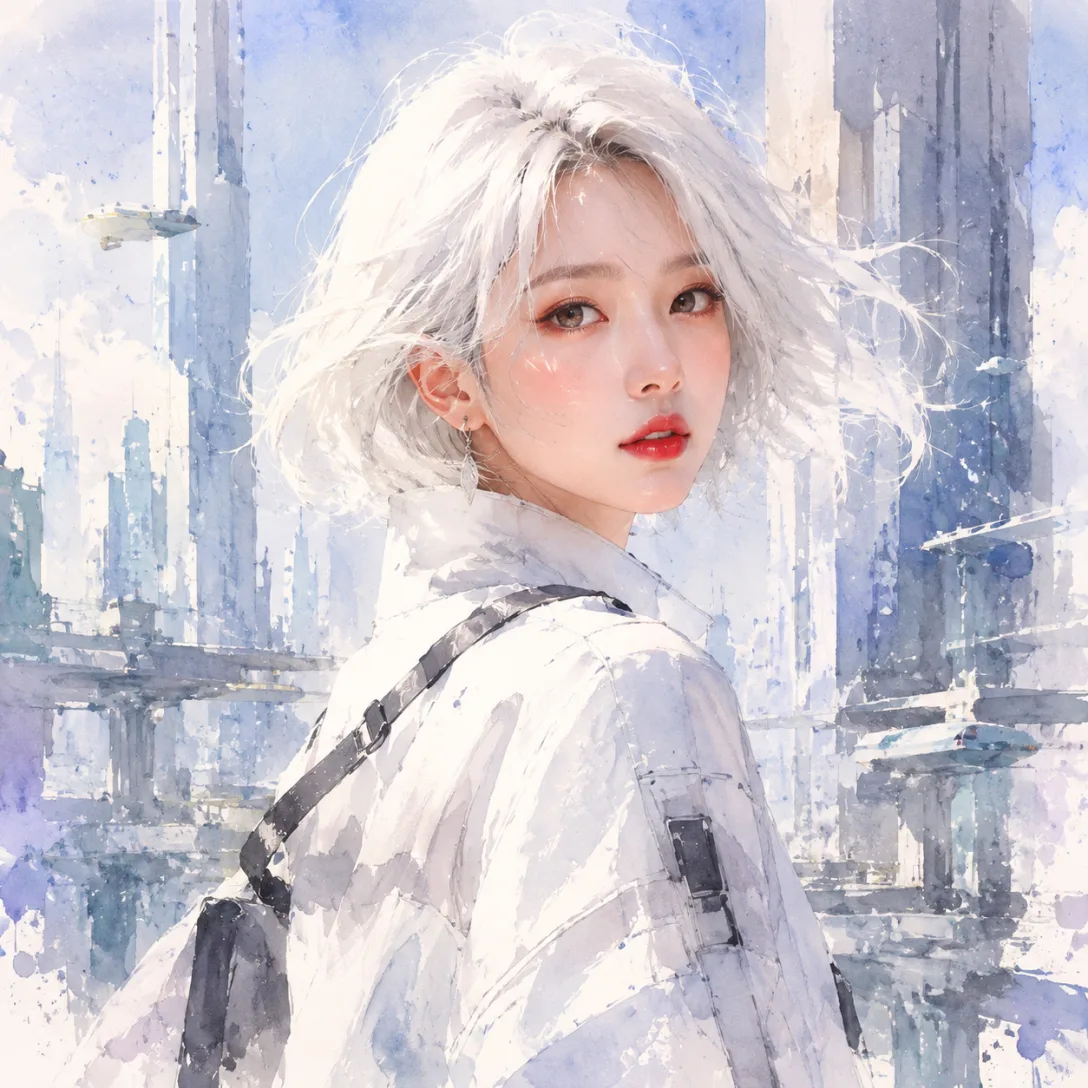

AI OC Generator — Turn One Spark into a Character
Describe a vibe, an item, or a line of dialogue — get an editable OC with personality, world, and matching art.
How to Create an OC with the AI OC Generator in 4 Steps
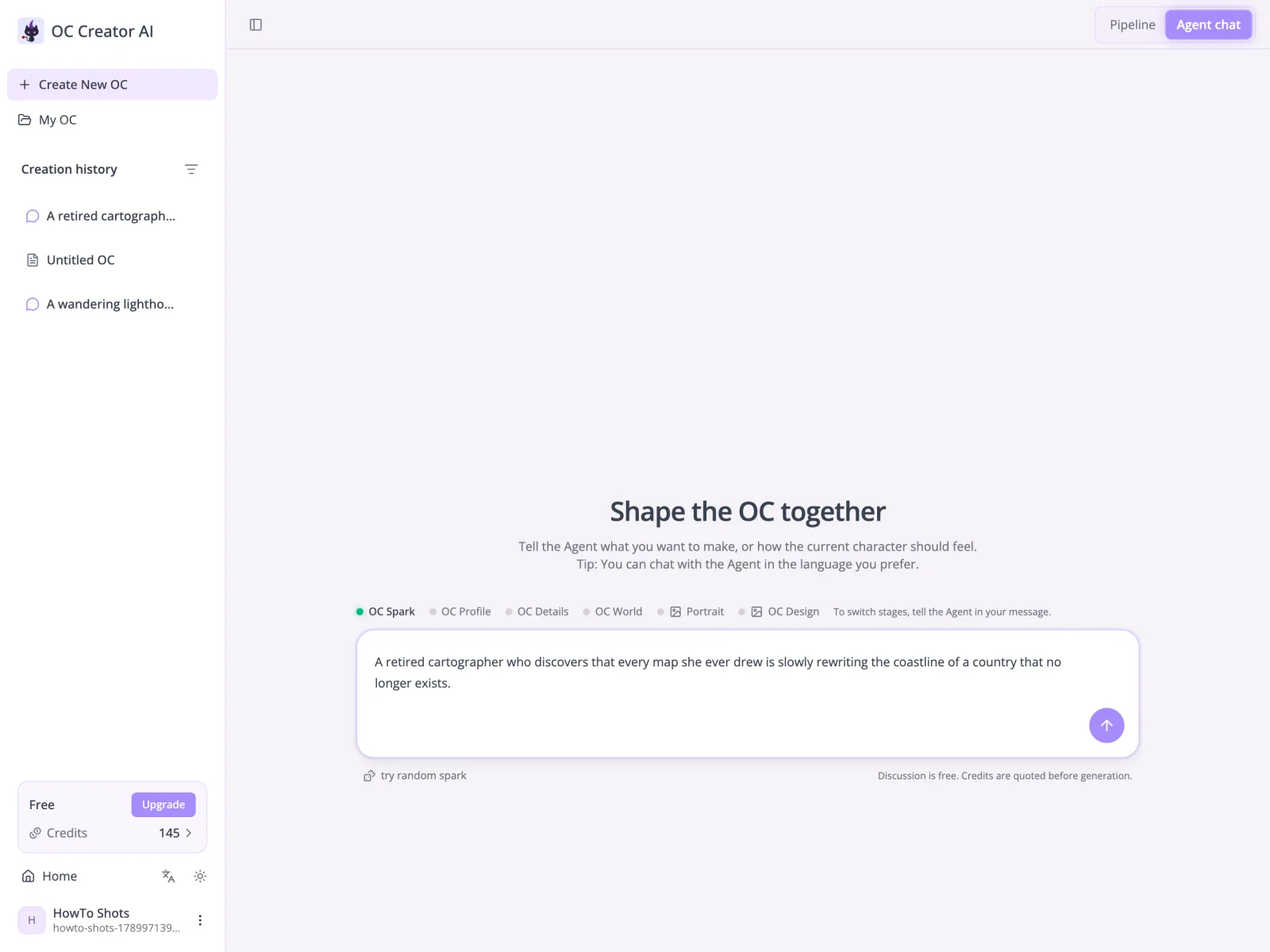
Pick the workflow that fits you: a guided pipeline, or a conversation with the agent. Either way, you can stop with a useful base profile or continue into deeper character and world development.
An OC Generator Built Around the Work Different Creators Do
The same character record can play a different role in each creative process. Start with the path closest to what you need to make next, then keep only the details that serve that work.
For OC Creators
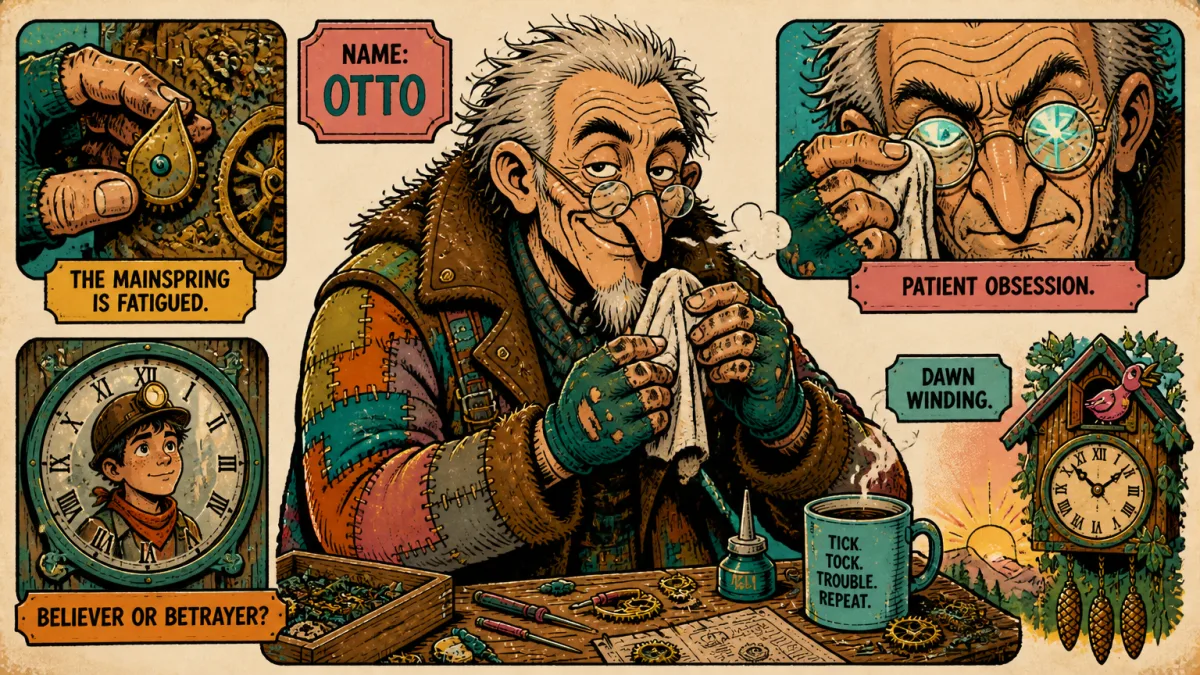
You already know how your OC feels, but explaining who they are is the hard part. Using this OC generator, start with the one detail that refuses to leave your head: a coat, a line of dialogue, a contradiction. OC Creator turns that spark into a structured profile with appearance, personality, a signature scene, and a place in the world. Every field stays editable, so the first generation is material to react to rather than a final answer. Keep what feels true, rewrite what does not, and carry the same foundation into portraits and the optional OC design sheet.
- Start from one detail instead of a finished prompt
- Edit any field without rebuilding the character
- Carry the same record into art and design sheets
For Novel, Script & Interactive Narrative Writers
A plot stalls when the cast has descriptions but no pressure inside it. This character generator helps writers use a goal, a secret, a contradiction, or a relationship as the spark, then develop the character's speech, daily routine, an important person, and the unresolved fracture in their life. The world step locates those choices inside a history and faction landscape instead of leaving them as isolated traits. You decide what belongs in the draft; the profile gives you organized material for the next scene, a sharper conflict, or a relationship that can change.
- Build dialogue cues from speech patterns and pressure points
- Connect motives and relationships to scene-changing conflicts
- Export JSON or Markdown into your writing workflow
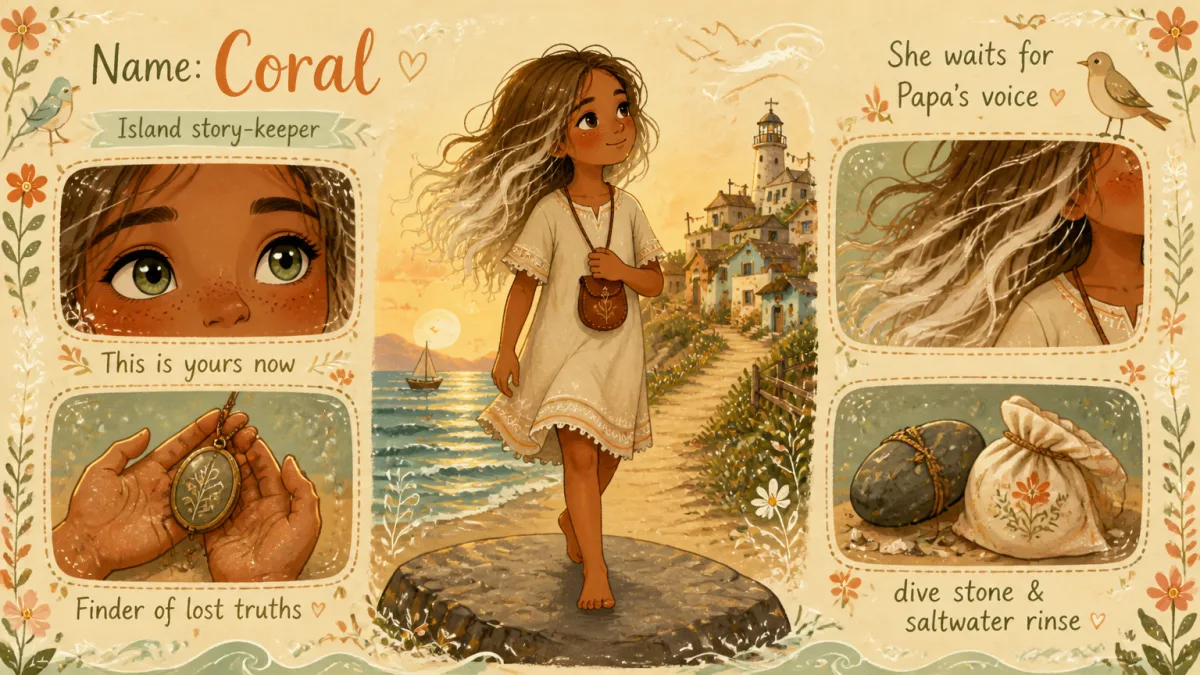
For Indie Game & Tabletop Creators
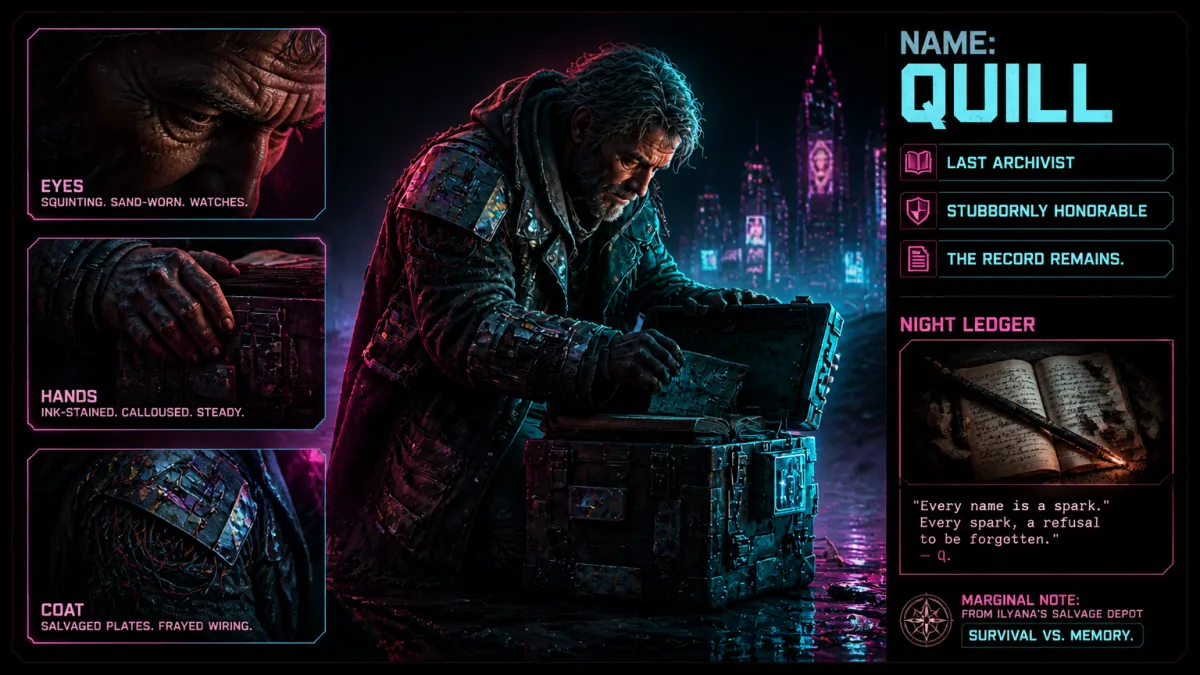
A useful NPC needs a reason to exist in the world and enough distinction to create play. Begin with an era, location, faction tension, or rule, then shape one companion, rival, patron, merchant, or resident within that context. The AI character generator does not batch-generate production-ready game data; it gives you an editable record for one character at a time, including their place in history, so you can build a roster deliberately with a shared tone.
- Anchor NPCs in shared history, factions, and world rules
- Differentiate allies, rivals, patrons, and residents through motives
- Use the record as planning material, not engine-ready game data
For Visual Novel & Visual Creators
Visual exploration drifts when characters are built from disconnected prompts. This OC maker keeps the written profile first so identity, mood, setting, and role can inform the portrait prompt. Test another supported art style, revise the profile before generating again, or continue from the portrait to the optional OC design sheet. The result remains exploratory artwork, but the process has a clearer narrative anchor.
- Use the character profile as the portrait source
- Try supported styles without rewriting an image brief
- Continue from the portrait to an optional OC design sheet
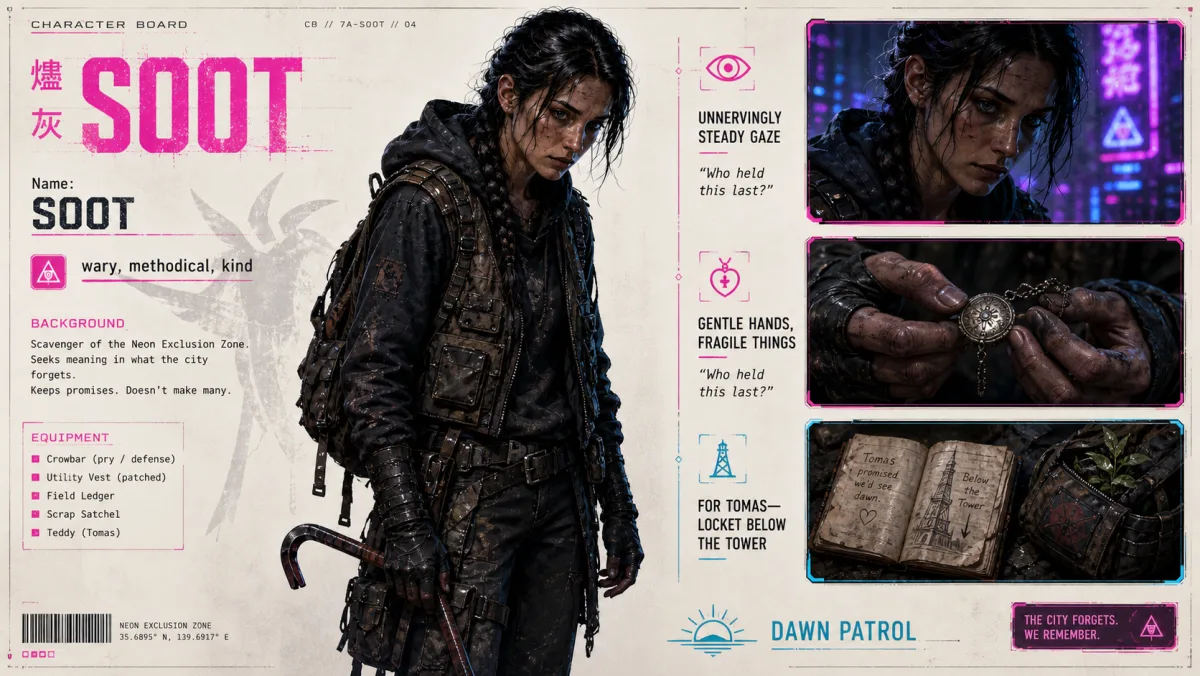
Original Character Examples from the OC Generator
Every character below started in this OC generator as a one-line spark and grew into a structured profile with a portrait and a design sheet. Open a card to read the full record.
A Character Profile You Can Keep Developing
As an AI character generator, OC Creator keeps the written character, the surrounding world, and the visual direction in one workflow. Stop when you have enough material, or keep going when the project needs more depth.
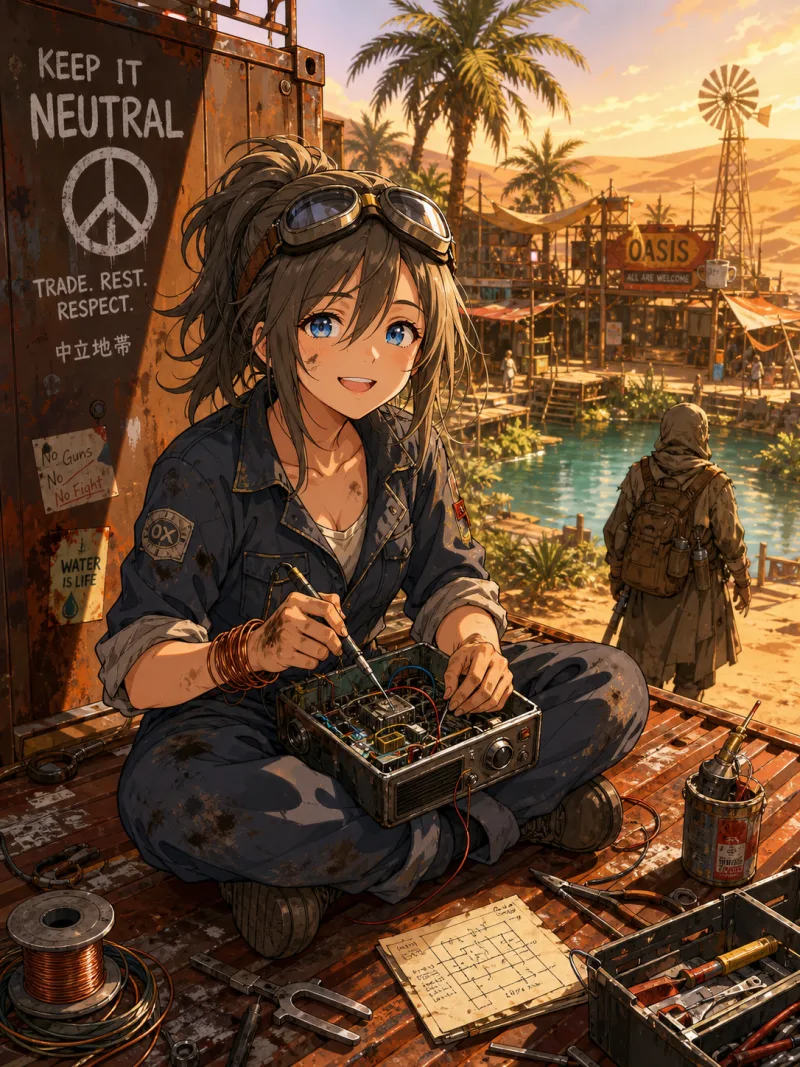
One sentence becomes a structured profile you can edit.
Create an Original Character from One Spark
An original character may begin as a salt-covered coat, a whispering voice, or someone waiting at a station that no longer exists. Put down the part you know. The OC generator organizes that spark into appearance, personality, a signature scene, a place in the world, and an unresolved question. You get a structured starting point without inventing every detail first.
- Begin with a sentence, imagined scene, line of dialogue, or emotional tone
- Review appearance, personality, a signature scene, world position, and unresolved question
- Edit individual fields and keep the direction that feels strongest
Speech, relationships, and the pressure points between them.
Add Motive and Conflict to Your OC
A memorable silhouette cannot carry a scene on its own. When a character has a name and appearance but no reason to act, the character generator helps you develop how they speak, what their ordinary day reveals, who matters to them, and where the central fracture in their life sits. Those details give you material for choices, alliances, arguments, and reversals instead of another biography that never changes the plot.
- Define a speech pattern that can guide dialogue
- Connect routines and important people to pressure points in the character's life
- Use the conflicts in novels, scripts, and interactive narratives
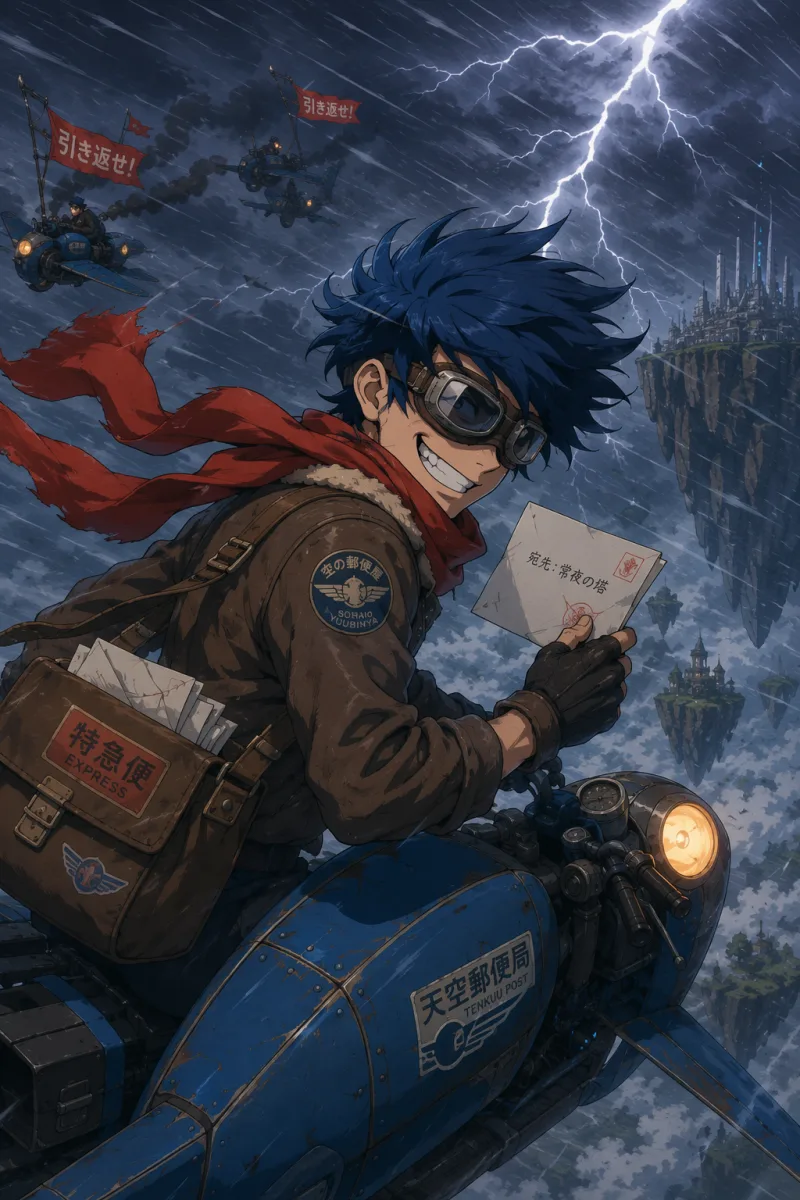
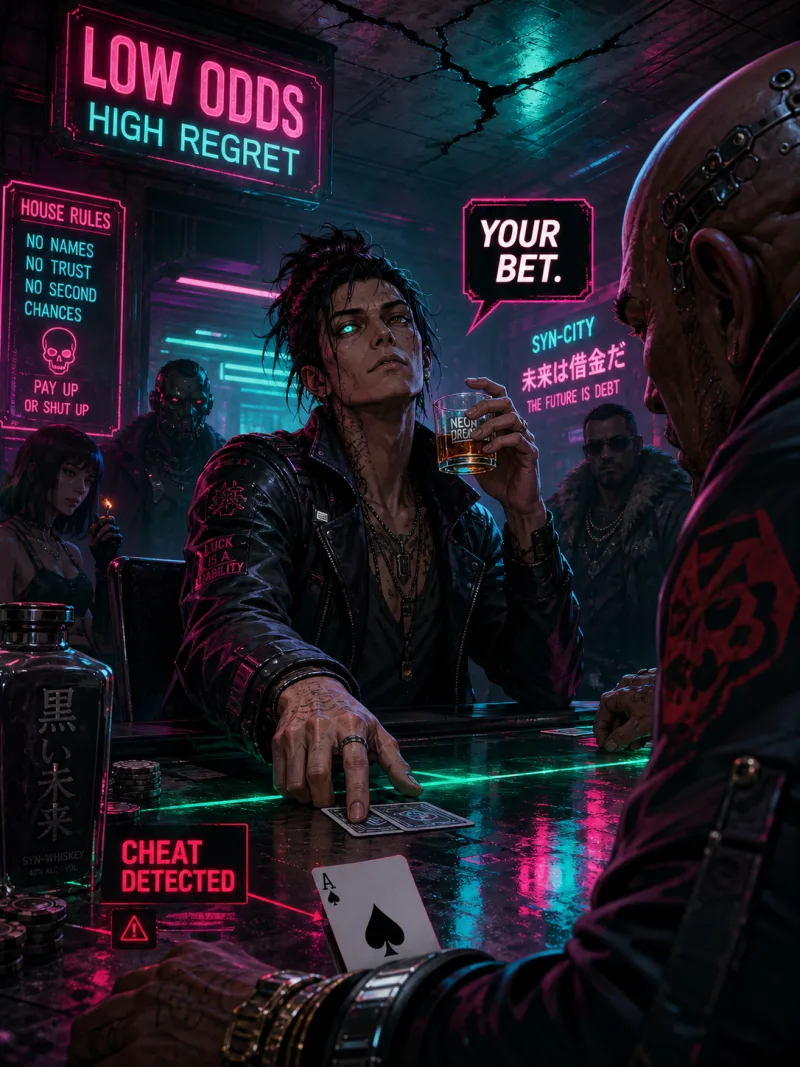
History, factions, and a real place in the setting.
Anchor Your Character in a World
Characters feel interchangeable when the world has no effect on who they became. Start with a geography, emotional texture, or rule, then build the history and factions that grew from it. The OC generator places the character inside that structure with a role and tensions you can keep editing. The result is one person shaped by a particular world, not a generic profile pasted onto a backdrop.
- Use geography, atmosphere, or a rule as the world-building anchor
- Develop world history and factions around that anchor
- Give the character a role in the world's history and current order
Portraits and design sheets built from the written record.
Generate Art from the OC Profile
Visual development is easier when the image has more to work from than hair and clothing keywords. The character generator builds a portrait from the profile so identity, mood, role, and setting can guide the direction. Try another supported art style or revise the profile before generating again. Once a portrait establishes the character's identity, continue to the optional OC design sheet for a broader reference.
- Generate character art without writing a separate image prompt
- Try supported styles without rewriting an image brief
- Continue from the portrait to an optional OC design sheet
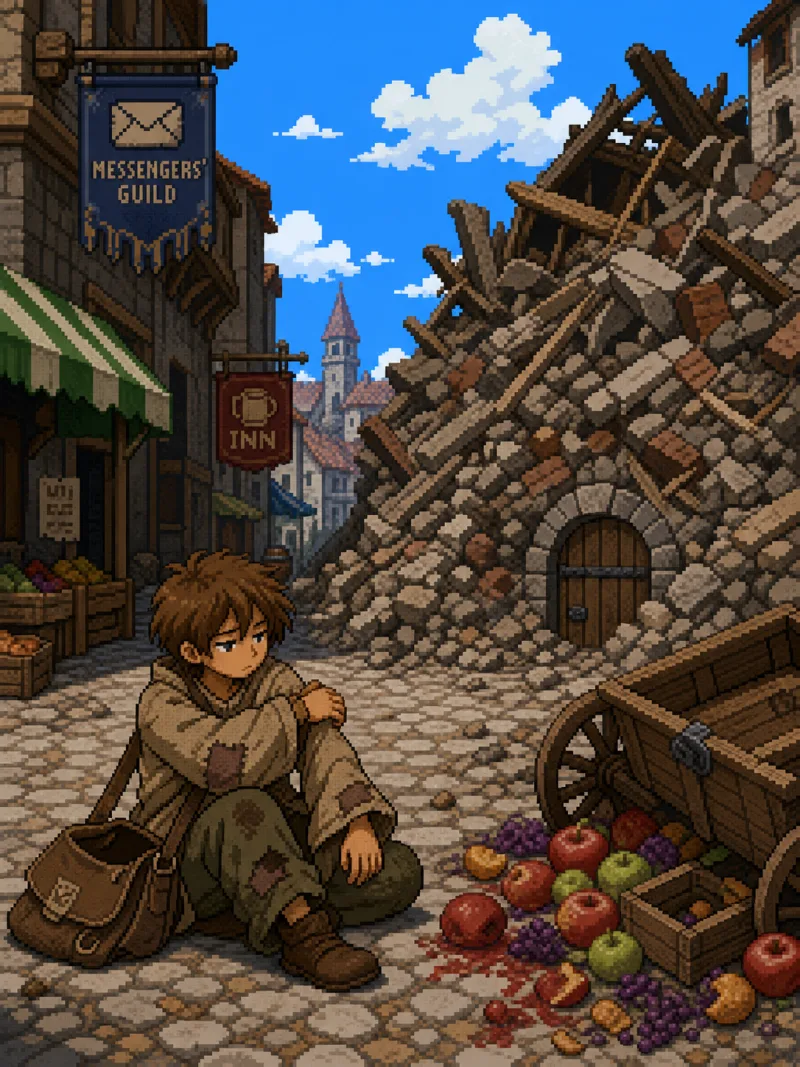
How This OC Generator Differs from Generic Prompt Tools
See how a profile-first workflow differs from a generic prompt tool.
| OC Creator AI | Generic Prompt Tools | |
|---|---|---|
| Input | Starts from a character idea | Usually writing a full prompt upfront |
| Character profile | Structured character fields | A loose block of text |
| World building | World history, factions, and the character's place | Usually manual |
| Editing | Keep editing and going deeper | Often requires reorganizing the prompt |
| Visuals | Generated from the profile | Usually a separate image description |
| Output | Profile, image, JSON, Markdown | Usually a one-shot result |
Choose credits when you are ready to keep creating.
Subscribe monthly or yearly for credits, or buy a one-time pack.
Free
- Sign-up bonus: 100 credits
- Text generation / edits: 3 credits per request
- Image generation / edits: 40 credits each
- No watermark export
- Preset art styles only
- Custom style upload
Starter
- 1,600 credits / month
- ~50 character images / month — portraits and design drafts each count as one
- Text generation / edits: 1 credit per request
- Image generation / edits: 32 credits each
- No watermark export
- All preset art styles
- Custom style upload
Pro
- 6,000 credits / month
- ~188 character images / month — portraits and design drafts each count as one
- Text generation / edits: 1 credit per request
- Image generation / edits: 32 credits each
- No watermark export
- All preset art styles
- Custom style upload
Studio
- 20,000 credits / month
- ~625 character images / month — portraits and design drafts each count as one
- Text generation / edits: 1 credit per request
- Image generation / edits: 32 credits each
- No watermark export
- All preset art styles
- Custom style upload
Free
- Sign-up bonus: 100 credits
- Text generation / edits: 3 credits per request
- Image generation / edits: 40 credits each
- No watermark export
- Preset art styles only
- Custom style upload
Starter
Billed $200 annually
- 19,200 credits renewed yearly
- ~600 character images for the year — portraits and design drafts each count as one
- Text generation / edits: 1 credit per request
- Image generation / edits: 32 credits each
- No watermark export
- All preset art styles
- Custom style upload
Pro
Billed $700 annually
- 72,000 credits renewed yearly
- ~2,250 character images for the year — portraits and design drafts each count as one
- Text generation / edits: 1 credit per request
- Image generation / edits: 32 credits each
- No watermark export
- All preset art styles
- Custom style upload
Studio
Billed $2,000 annually
- 240,000 credits renewed yearly
- ~7,500 character images for the year — portraits and design drafts each count as one
- Text generation / edits: 1 credit per request
- Image generation / edits: 32 credits each
- No watermark export
- All preset art styles
- Custom style upload
400 credits
- 400 credits, never expire
- ~10 character images · ~13 with a subscription — portraits and design drafts each count as one
- No watermark export with subscription
- All preset art styles
- Custom style upload with a subscription
1,500 credits
- 1,500 credits, never expire
- ~38 character images · ~47 with a subscription — portraits and design drafts each count as one
- No watermark export with subscription
- All preset art styles
- Custom style upload with a subscription
4,500 credits
- 4,500 credits, never expire
- ~113 character images · ~141 with a subscription — portraits and design drafts each count as one
- No watermark export with subscription
- All preset art styles
- Custom style upload with a subscription
12,000 credits
- 12,000 credits, never expire
- ~300 character images · ~375 with a subscription — portraits and design drafts each count as one
- No watermark export with subscription
- All preset art styles
- Custom style upload with a subscription
Frequently Asked Questions
More questions about the OC generator? Feel free to contact us
Start Creating with the AI OC Generator
Use this AI OC generator to create an editable profile, deepen the world, and explore the character's visual direction.